We’re glad you asked!
If you’re new to any software, several different terms and features can sometimes feel confusing at first. Understanding the differences is key to getting the most out of your system.
The good news is that with Shiftie, everything is designed to be simple and intuitive. Once you know what you’re looking for, it all quickly falls into place.
To make things even easier, we’ve created a handy guide below to help you clearly understand and differentiate between the key terms you’re likely to come across.
Locations
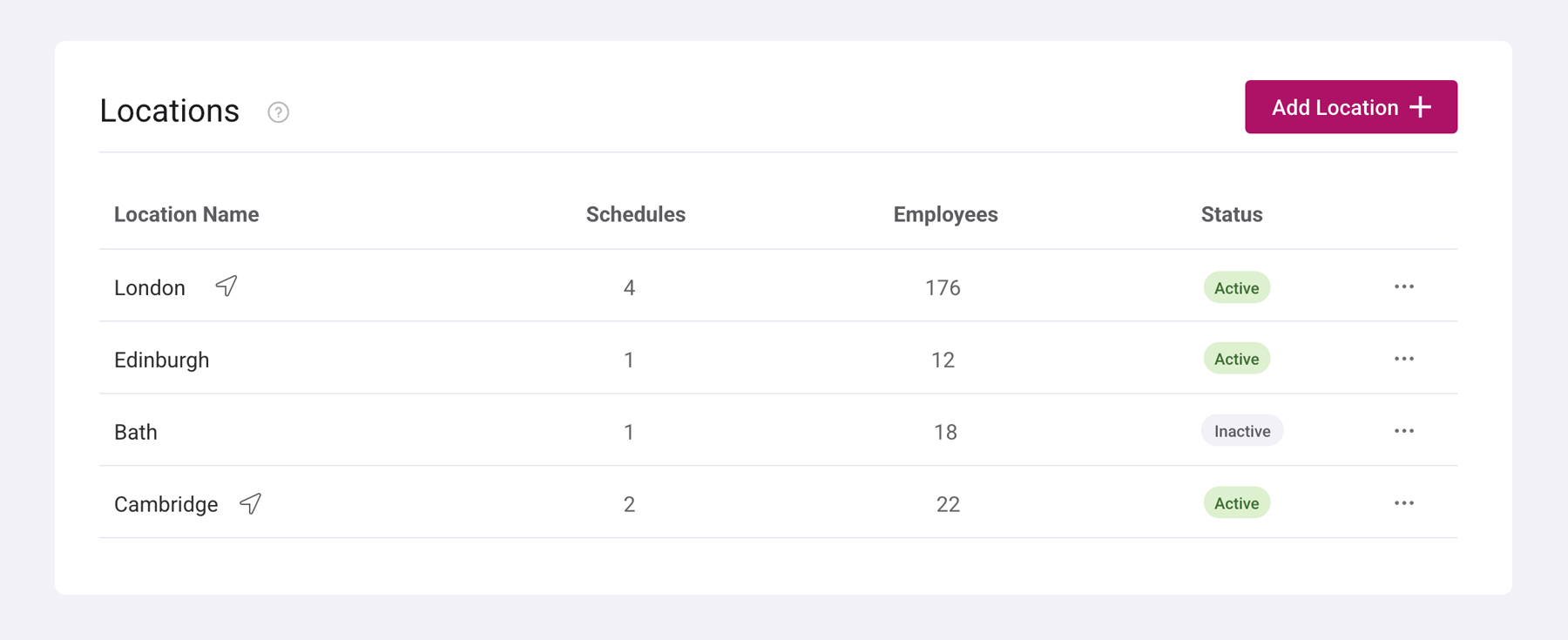
Pretty much as it sounds, a location is the place where you and your employees are working from. This could be a physical site such as a pub, restaurant, dental practice, or office. It can also include abstract working locations, such as ‘remote'.
Employees can work across multiple locations depending on your business setup. However, each shift can be assigned to only one location at a time, ensuring clear visibility into where your team is scheduled to be.
Importantly, locations also control how employees clock in and out. This can be done via a designated clock-in portal, the mobile app, or the desktop site. If GPS tracking is enabled, employees must clock in and out within the defined radius of their assigned location (unless clocking outside the radius is permitted).
You can learn more about managing locations here.
Schedules
You guessed it, a schedule is what you use to assign shifts to your staff. It’s also commonly known as a rota, roster, timetable, or shift planner; different names, same idea.
Schedules are linked to a default location, but can cover multiple locations, helping you organise staff based on where they’ll be working. You can create multiple schedules within each location, giving you the flexibility to manage different teams or departments as needed.
You can learn more about managing schedules here.
Areas
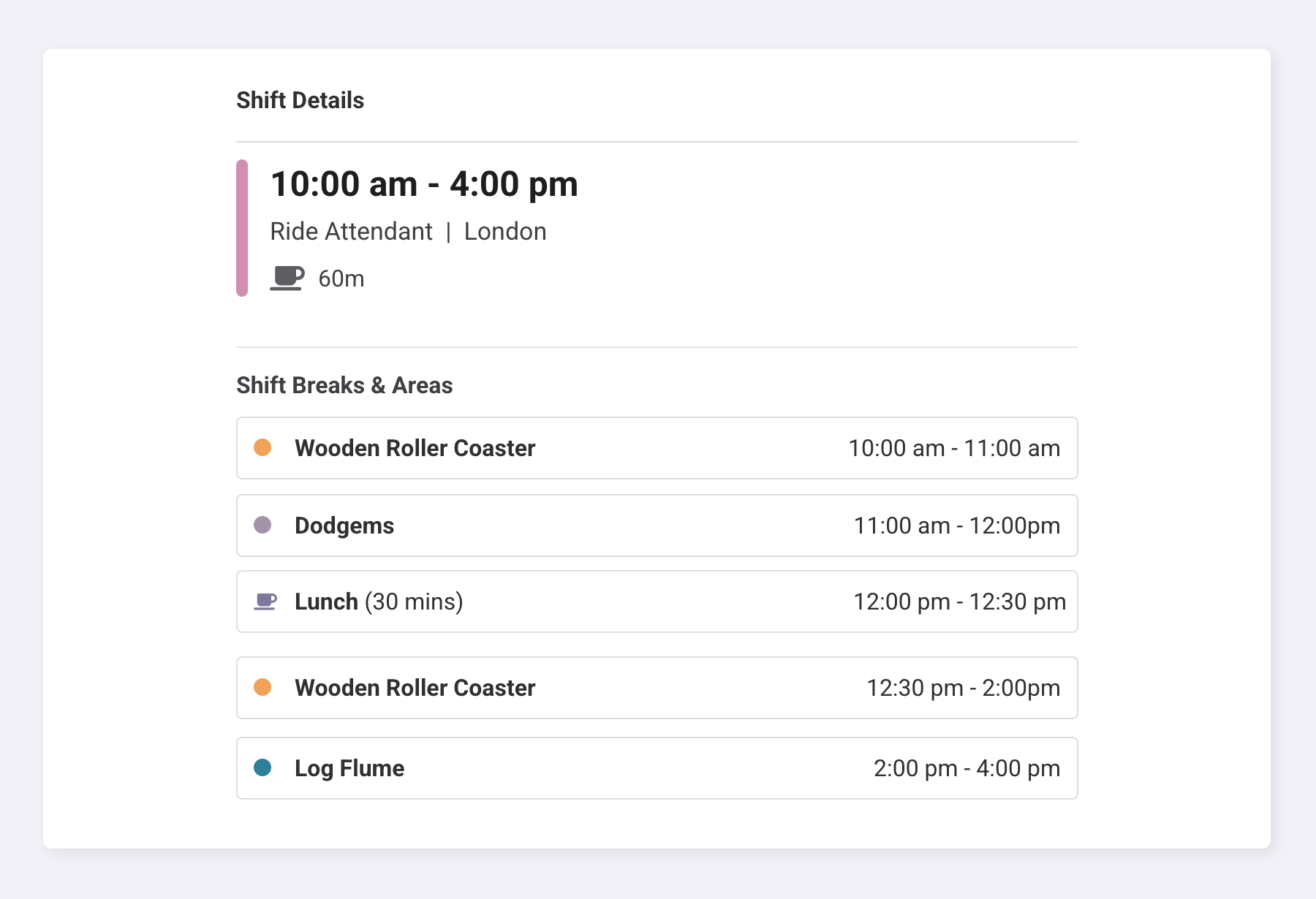
These are the different areas within a location where an employee is stationed during their shift.
Often referred to as micro-scheduling, areas allow you to break a shift down into more detailed segments, so you can specify exactly where an employee should be at different times throughout their shift.
For example:
- 10:00–11:00 – Wooden Roller Coaster
- 11:00–12:00 – Admissions
- 12:00–13:00 – Break
- 13:00–14:00 – Dodgems
Groups
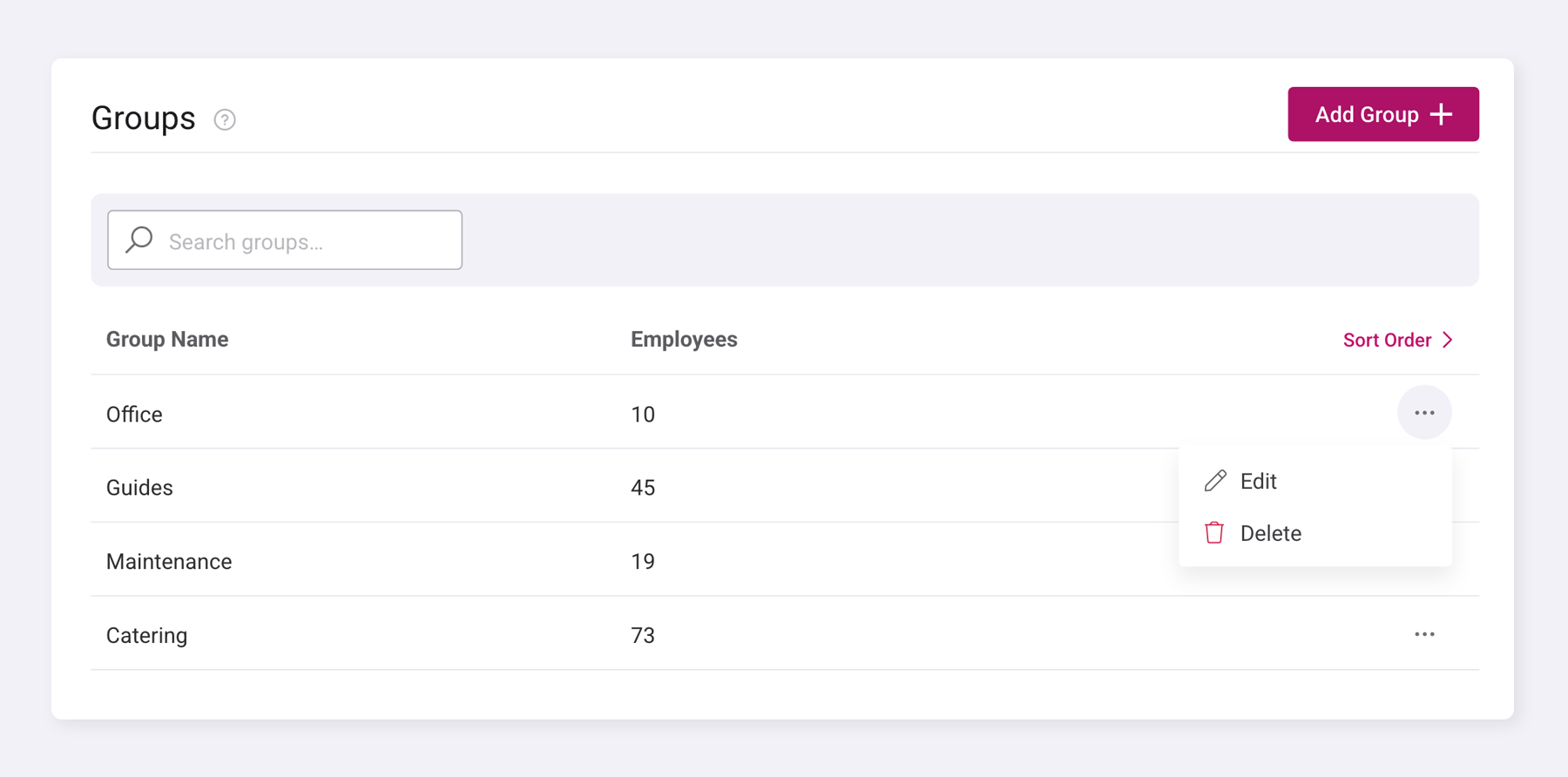
Groups are a simple way of organising your departments or teams within Shiftie.
You can assign employees to a group during setup, helping you structure your team more clearly. Groups allow you to display your schedules in an organised way, making it easier to view and manage staff within specific departments or teams of your business.
Find out more here.
Job Roles
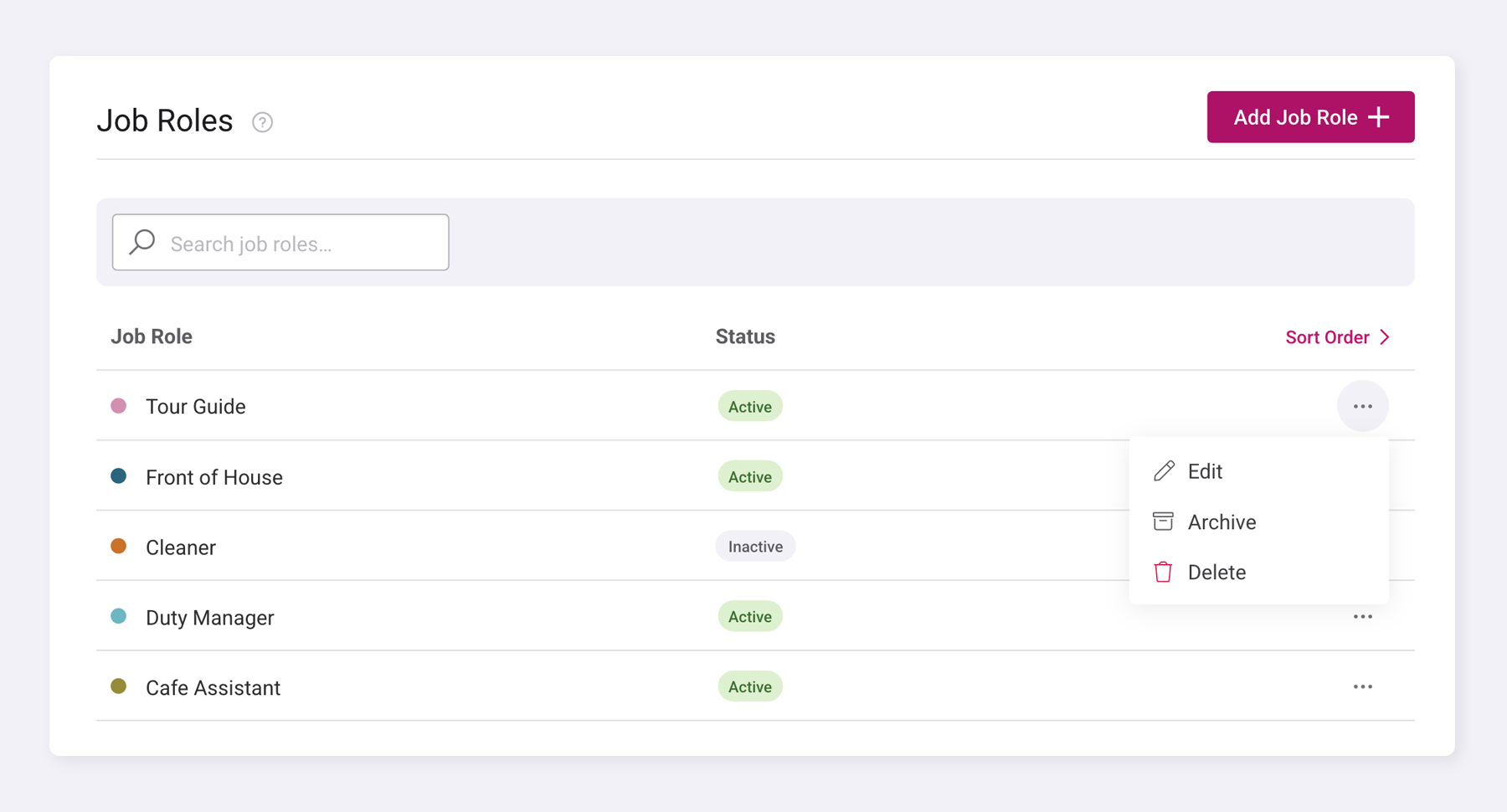
Job roles are the roles in which an employee works day to day. All employees have a default job role assigned to them, but they can also have additional job roles assigned, allowing flexibility for employees who work across multiple areas of the business.
When assigning a shift to an employee, the shift has a defined job role associated with it. This is important for wage purposes, as employees can have different pay rates assigned to each of their job roles. This ensures that when an employee works a shift, they are automatically paid the correct rate for the role they are performing that day.
For example:
Retail
- Cashier
- Store Manager
- Sales Assistant
- Stock Room Operative
Hospitality
- Waiter/Waitress
- Chef
- Bartender
- Front of House Manager
Healthcare
- Nurse
- Receptionist
- Care Assistant
- Pharmacist
Attraction
- Ride Operator
- Tour Guide
- Ticket Sales Assistant
- Events Coordinator
Logistics
- Warehouse Operative
- Delivery Driver
- Forklift Operator
- Logistics Coordinator
Find out more here.
Was this article helpful?
That’s Great!
Thank you for your feedback
Sorry! We couldn't be helpful
Thank you for your feedback
Feedback sent
We appreciate your effort and will try to fix the article