Fed up with jumping between systems trying to keep your staff-to-visitor ratio balanced? We're not surprised; it sounds exhausting.
Instead, why not link your DigiTickets account to Shiftie? That way, we can show you how many visitors you have booked and how many staff you have scheduled, all in the same place.
Go to Company Settings > Integrations > DigiTickets
Click the Connect button and enter your DigiTickets login details to connect your account.
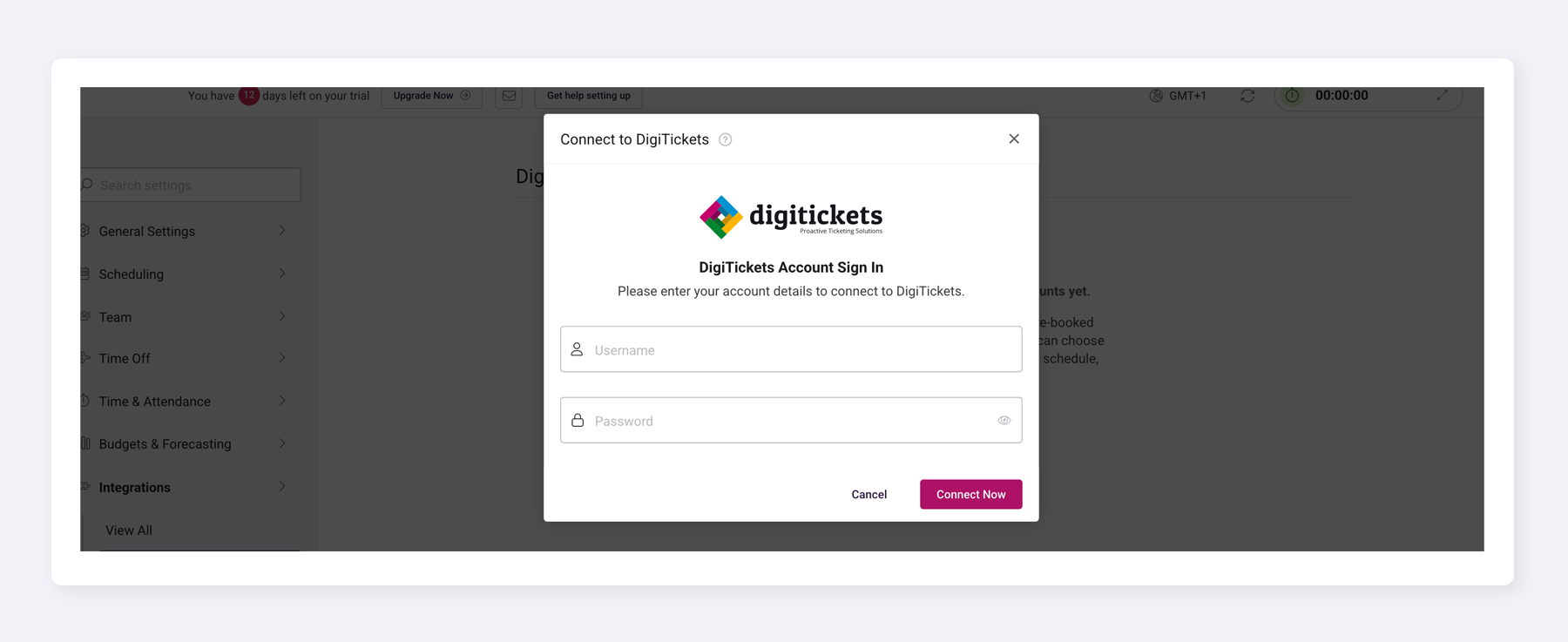
- You'll need to set up a dedicated DigiTickets user for the integration so that you aren't logged out every time you use ProPoint or the DigiTickets Back Office.
- Each individual DigiTickets login can only be used against one Shiftie account.
- You can add additional DigiTickets accounts by clicking the 'Connect Additional Account' button and following the same process.
The screen will update to show your linked account. Choose which branches and events you want to display against each schedule and then save your settings. Each schedule can only display a single branch against it, but you can show the same branches and events against more than one schedule.
How visitor data appears in Shiftie
Navigate to the schedule and hover your mouse over the stats bar at the bottom of the screen to view your pre-booked visitor numbers.
- We pull visitor numbers through once an hour, so they won't always match your ticketing system exactly. You can see when the figures were last updated though so you always know what you're working with.
- The figures we pull through are for the number of people booked to visit on a given day, not the number of tickets sold. That means that a family ticket that covers 4 people will - you guessed it - show up as 4 visitors in Shiftie and a ticket for an under-2-year-old which doesn't count toward your capacity won't show in Shiftie at all.
Was this article helpful?
That’s Great!
Thank you for your feedback
Sorry! We couldn't be helpful
Thank you for your feedback
Feedback sent
We appreciate your effort and will try to fix the article